Voyager 1
The farthest thing we've ever made
Turn the page with the arrows
Launching September 8
QuickyWiki turns the world's most interesting topics into short, beautiful reads you'll actually finish: daily picks, curated series, and any article on demand.
Download the app

The reading experience
This is a real quickie, exactly as it reads in the app. Turn the pages with the arrows and watch a whole topic unfold.
The farthest thing we've ever made
Turn the page with the arrows
Launched on September 5, 1977, Voyager 1 has become the most distant human-made object, a radioed ambassador at the edge of the Sun's influence. As of 2026 it sits about 172 AU (25.8 billion km) from Earth.
Its journey transformed it from a planetary explorer into the first probe to cross the boundary between the Solar System and interstellar space.
Voyager 1 exists because of a planetary coincidence. In the late 1970s, Jupiter, Saturn, Uranus and Neptune aligned in a way that happens once every 176 years, letting a single spacecraft hop between them using gravity assists.
Each flyby flung the probe faster. By Saturn, Voyager 1 was travelling over 61,000 km/h, fast enough to escape the Sun's pull entirely, on a one-way trip with no brakes and no return ticket.
In August 2012, instruments registered something historic: the solar wind died away and galactic cosmic rays surged. Voyager 1 had crossed the heliopause.
It became the first human object to sail beyond the Sun's protective bubble, a moment scientists had theorized about for half a century, confirmed by a 35-year-old machine with less memory than a car key.
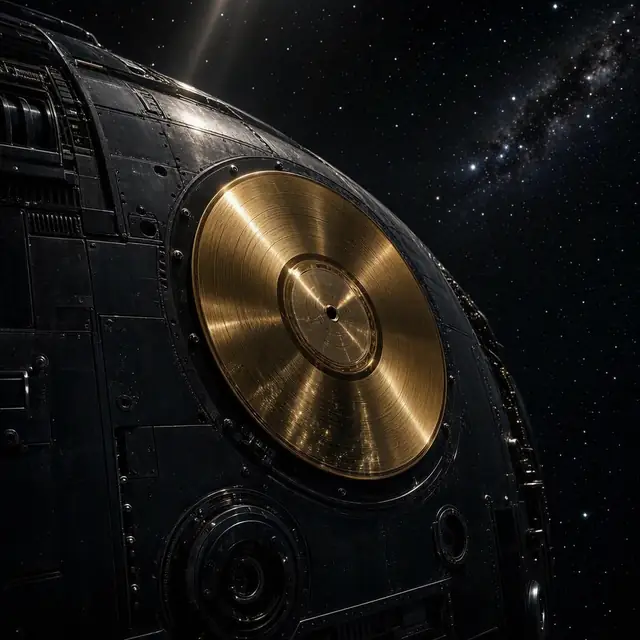
Bolted to its side is a gold-plated copper disc: greetings in 55 languages, the sound of rain, whale song, Chuck Berry, Bach. A mixtape for anyone, or anything, that might find it.
Carl Sagan's team electroplated a sample of uranium-238 so its decay could serve as a cosmic clock. The record's case should survive for over a billion years.
On Valentine's Day 1990, at Sagan's urging, engineers turned Voyager 1's camera homeward one last time. From 6 billion km away, Earth appeared as a single pale pixel suspended in a sunbeam.
"Look again at that dot. That's here. That's home. That's us."Carl Sagan
It remains the most distant portrait of Earth ever taken, and the reason the camera was shut down forever afterwards, to save power.
Daily picks, curated series, jargon decoded. All in your pocket.
Get QuickyWiki freeWhat's inside
QuickyWiki turns the world's most interesting topics into short, beautiful reads you'll actually finish.
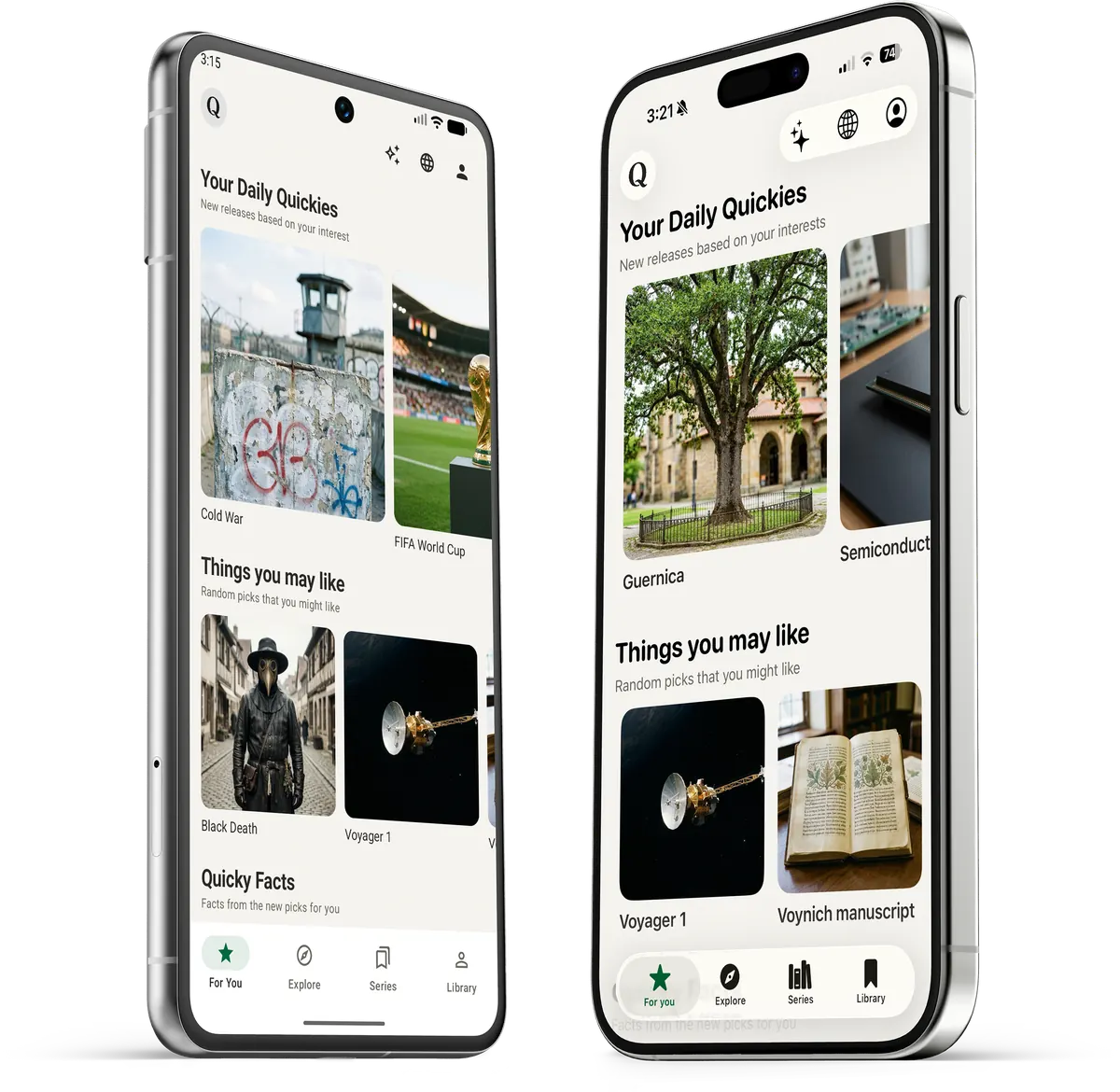
Fresh reads based on your interests land every morning: art, engineering, mysteries, history. A new reason to open the app daily.
Browse categories from Tech to Space, search any topic, and get a crisp summary on demand. No rabbit-hole tabs required.
Multi-part journeys through a theme, like Physics of Everyday Things, from atmospheric pressure to buoyancy. Two minutes per chapter.
 Chapter 2 · Buoyancy
Search any Wikipedia topic and get a clean, readable summary in seconds. Type "Artificial intelligence", "Amazon River", or anything you're curious about, and QuickyWiki generates it just for you.
Every topic opens as a paged, magazine-grade read: key facts, jargon explained in place, your fonts, your theme. Don't take our word for it: try it yourself.
The library
Hundreds of hand-crafted titles and multi-chapter series, from deep space to deep history. Watch the shelves drift by, or hover to browse.
Questions, answered
A reading app that distills encyclopedic knowledge into beautiful 5-minute summaries, with daily digests, on-demand topics, and curated multi-chapter series.
Curious people with full calendars: commuters, students, lifelong learners. Anyone who loves knowing things more than scrolling things.
Wikipedia is a reference; QuickyWiki is a reading experience. We distill, structure and design each topic into a paged read with key facts and jargon explained inline. Finished in five minutes, remembered for longer.
You get a 3-day free trial with full access. After that, a simple subscription keeps the daily digests and series coming.
QuickyWiki is available on both iOS and Android, with your library and progress synced across devices.
Absolutely. Pick your interests for the daily digest, search any topic on demand, and follow series that match your curiosity.
Between three and seven minutes, depending on the topic. Every summary carries a set of key facts, usually seven to thirteen, with jargon explained right where it appears.
English and Arabic, for both your daily picks and on-demand summaries.
A curated, multi-chapter journey through one theme, like Physics of Everyday Things or How Dictators Rise. Chapters are short, ordered, and designed to be read one a day.
Yes. On Demand covers millions of Wikipedia topics: type anything you're curious about and a clean, readable summary is generated for you in seconds.
Each title is distilled from openly licensed sources, including Wikipedia, then structured into key facts, decoded jargon, and a clean paged read.
Yes. Everything you've read stays in your library, synced across your devices, ready to reread whenever you like.
Yes, anytime, right from your App Store or Google Play settings. No hoops, and your library is waiting if you come back.
Download the app