The Roman Army Had a Password Problem Too
Passwords are ancient. Sentries would challenge anyone wanting to enter an area to give a password, and let them through only if they knew it.
The Roman system, described by Polybius, was a piece of process design. Each evening a chosen man collected the watchword from the tribune's tent, written on a wooden tablet, then passed it with witnesses to the commander of the next unit, who passed it on again, until it worked its way back. If every tablet returned, the tribune knew the word had reached everyone. If one was missing, the marks on it showed exactly where the chain had broken, and whoever stopped it was punished.
Militaries later added a counter-password. In the opening days of the Battle of Normandy, US paratroopers challenged with "flash" and expected the answer "thunder", changing the pair every three days. Some carried a metal clicker instead: one click, answered by two.
The First Computer Login
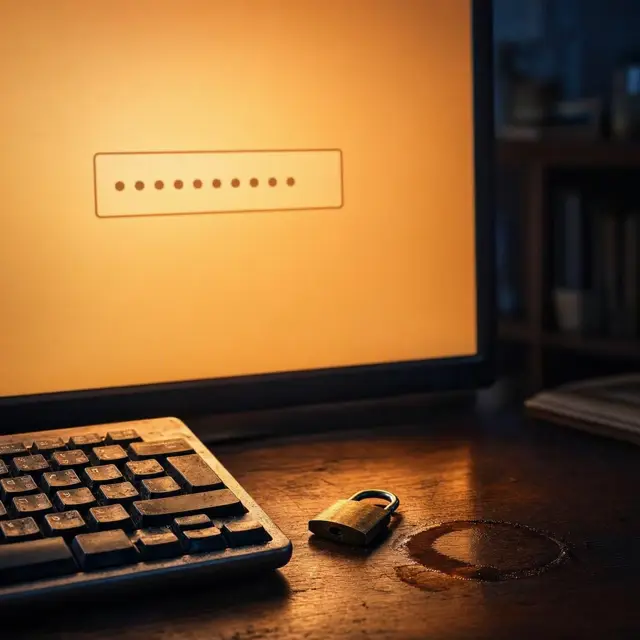
Passwords arrived on computers almost immediately. The Compatible Time-Sharing System at MIT, introduced in 1961, was the first computer system to implement password login. Its LOGIN command asked for a password, and the documentation noted that "the system turns off the printing mechanism, if possible, so that the user may type in his password with privacy."
That detail is a nice reminder of what these machines were: you typed onto paper, so privacy meant physically stopping the printer.
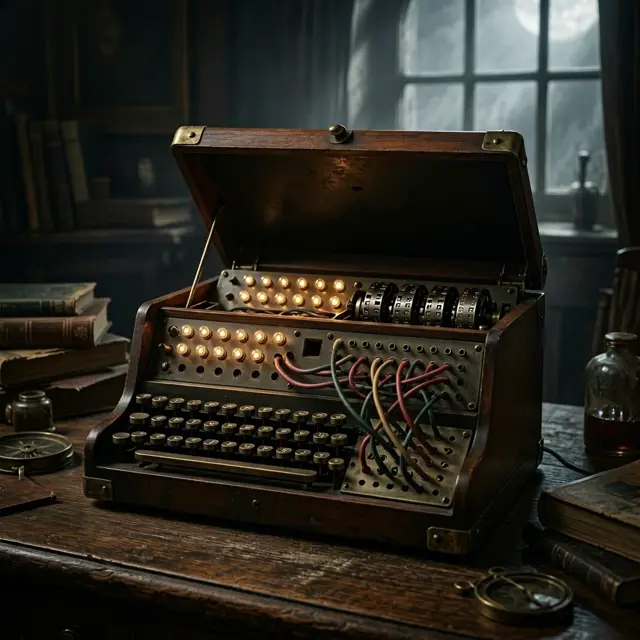
The next big idea was not to store the password at all. In the early 1970s Robert Morris built a system for storing login passwords in hashed form as part of Unix, based on a simulated rotor cipher machine, first appearing in 6th Edition Unix in 1974. A later version, crypt(3), used a 12-bit salt and ran a modified form of the DES algorithm 25 times, specifically to make pre-computed dictionary attacks harder.
The Rules Were a Mistake, and Their Author Said So
The advice almost everyone has been trained on, a mix of upper and lower case, at least one number or symbol, and regular changes, traces back largely to one 2003 report from the National Institute of Standards and Technology, written by Bill Burr.
It proposed using numbers, obscure characters and capital letters, and updating passwords regularly. Those rules spread everywhere, and for just as long both users and security experts found them annoying and ineffective.
Then, in a 2017 article in The Wall Street Journal, Burr said he regretted the proposals and that he had made a mistake in recommending them. NIST's position now runs the other way: use longer phrases, and websites should raise their maximum password length rather than forcing hard-to-remember passwords with what NIST calls "illusory complexity", such as writing password as pA55w+rd.
Why Complexity Backfires
The core problem is that people are part of the system. The more stringent the requirements, the more users work around them: writing passwords down, resetting them constantly, or reusing the same one everywhere.
The maths is also less flattering than it sounds. Asking someone to remember a mix of upper and lower case is close to asking them to remember a sequence of bits: hard for a human, and only a little harder for an attacker, roughly 128 times harder for a seven-letter password, and less if the user just capitalises one letter. Demanding letters and digits produces predictable swaps like E to 3 and I to 1, which attackers know perfectly well. So does shifting your fingers one keyboard row up.
There is better advice. Research by Jeff Yan and colleagues found that passwords built from the first letter of each word in a phrase are as memorable as naively chosen ones and as hard to crack as random ones.
Reuse Is Going to Happen Anyway
With so many accounts to manage, many people simply use one password for several of them, which is dangerous: a single breach then unlocks the rest.
Rather than scold, some researchers argue for triage. Dinei Florencio and Cormac Herley, with Paul C. van Oorschot, have argued that password reuse is inevitable, and that the sensible approach is to reuse passwords on low-value sites holding little personal data and no financial information, while saving your effort for long, complex, unique passwords on the few accounts that genuinely matter.
The practical alternatives are less dramatic than they sound: password managers, single sign-on systems, and even keeping a paper list of less critical passwords. All of them reduce the number of secrets a human has to carry in their head, which was always the real constraint.