A Gift CERN Almost Kept to Itself
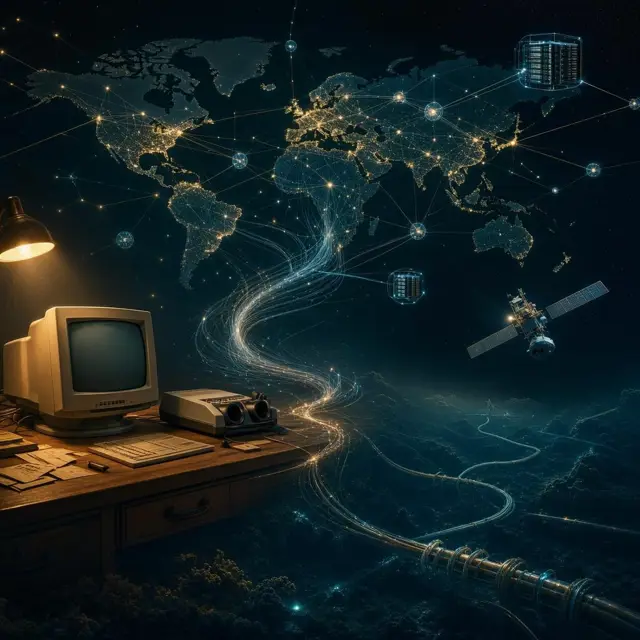
In 1990, an English computer scientist named Tim Berners-Lee got a working version of his new idea up and running. He'd only started designing it the year before, while working at CERN, the physics laboratory. By January 1991, the system left CERN's walls for the first time and reached other research institutions, still mostly unknown outside a small circle of scientists.
The real turning point came later. On 30 April 1993, CERN made the Web's underlying code and protocols available royalty-free, meaning any person or company could build on it without paying a cent. That single decision, more than any piece of code, is why the Web spread across the planet instead of staying a private tool inside one physics lab. Berners-Lee also insisted the system stay decentralised, with no single authority in charge.
How One Click Sets Off a Chain Reaction
Type a web address into your browser and a surprising amount happens before the page even appears. Your browser first looks up that address's numeric IP address using a system called DNS, because computers actually find each other through numbers, not names people can read.
Next, your browser sends a request using HTTP, usually through port 80, or port 443 if the connection is protected by HTTPS. That request travels to a web server, a machine whose job is to store pages and hand them out on demand. The server answers with the page's content plus markup instructions, and your browser turns those instructions into the page you actually see, built mostly out of HTML.
Three Letters Nobody Officially Approved
Nearly every web address you've ever typed starts with 'www.' Oddly, that prefix was never a strict technical requirement. By some accounts it caught on almost by accident, a convention that stuck rather than a rule anyone carefully designed into the system.
What actually matters, technically, is the hyperlink. A hyperlink is just a URL wrapped inside a short piece of code that a page uses to point at another page. Click one hyperlink, land on a new page, click another, and you're 'surfing the web,' as people used to call it. String enough of these links together across enough websites, and you get the sprawling, tangled Web we all use today.
The Internet and the Web Are Not the Same Thing
People say 'the Internet' and 'the Web' as if they're the same thing, but they aren't. The Internet is the physical and technical network, the cables, routers, and connections, that links computers together across the planet.
The Web, by contrast, is something built on top of that network: a collection of documents and other resources connected by hyperlinks and URLs. You could, in theory, have an Internet with no Web sitting on it at all. For the network's first two decades, that's roughly what existed, until Tim Berners-Lee's 1989 proposal finally gave people something worth clicking through.
When There Were Only 50 Websites on Earth
It's hard to picture now, but within two years of the Web going public in 1991, only about 50 websites existed anywhere on the planet. Finding anything meant already knowing where to look. The world's first search engine, called Archie, had actually shown up back in 1990, a year before the Web itself even opened to the public.
Then everything changed. After the NCSA Mosaic browser launched in 1993, thousands of new websites appeared in less than a year. Yahoo! arrived in 1995, and Google followed in 1998. Search engines quickly went from a novelty to the main way anyone finds anything, even though much of the Web sits in the so-called deep web, pages that ordinary search engines never index at all.
The Web's Riskier Side
The same openness that let the Web spread so fast also made it an easy target. About one in ten web pages is estimated to carry some form of malicious code, and roughly 70% of websites have been found vulnerable to an attack technique called cross-site scripting, where hidden code sneaks into a page and runs in a visitor's browser.
Encryption through HTTPS protects sensitive information, like passwords or banking details, as it travels between your browser and a server. Meanwhile, small files called cookies get stored on your computer by the sites you visit. Some just remember that you're logged in. Others quietly track what you do across the wider Web.